Live Audio for Guided Tours
Give your tour group a live audio feed on their own phones. There is no dedicated receiver kit or app to install. The guide broadcasts from a supported browser, and participants listen from theirs.
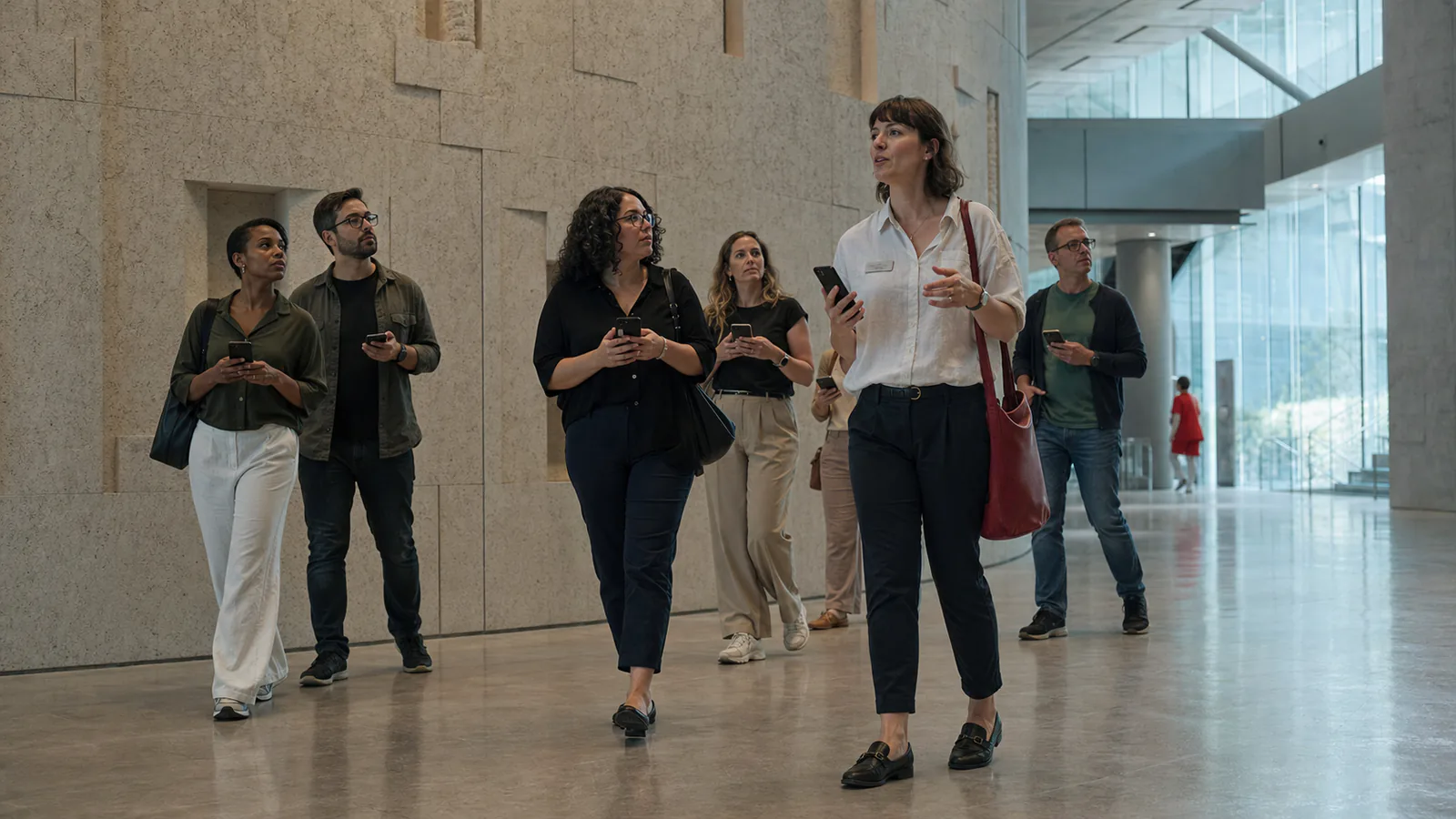
The Challenge with Traditional Tour Audio
Dedicated tour systems require transmitters, receiver distribution, collection, charging, and cleaning. A browser-based option can reduce that equipment workflow for participants who have a compatible connected device.
OpenedMic provides the listening channel through a browser tab. The guide opens a room on a phone or computer and displays a QR code. Each participant opens the room on their own device and controls their playback level.
How Tour Guides Use It
- Open openedmic.com/app in a supported browser on a compatible device.
- Select Outdoor Tour mode, which uses the outdoor voice preset and a stronger noise gate.
- Show the QR code to the group or share the link before the tour starts.
- Press MIC ON. Connected participants can listen through the output selected on their device.
When participants use their own compatible devices, the organizer does not need to distribute or collect a dedicated receiver for those participants.
Outdoor Tour Mode
The Outdoor Tour broadcast mode is tuned for noisy, open-air environments:
- High-pass filter (120Hz): reduces low-frequency wind rumble and street noise
- Stronger noise gate: attenuates ambient sound between speech when the signal falls below its threshold
- Stronger compression: narrows voice-level changes during movement
The outdoor preset uses a high-pass filter, stronger gate, and compression. These controls can reduce some wind and ambient sound, but results depend on the microphone, surroundings, device, and network.
The Participant Experience
Participants scan the QR code before the tour begins or open a link shared with the group. A supported browser opens the session without an account or app installation. Each participant chooses an available audio output and controls playback volume on their device.
If someone steps away or falls behind, the browser stream can continue while their device remains connected to the internet. Coverage and continuity still depend on the participant's network.
Inviting one participant to speak. When the guide wants to take a question or invite a brief comment from one participant, that participant taps Ask to speak. The guide approves a single participant at a time. Once approved, the participant is heard live by the whole tour group, then the guide ends the guest mic and continues. Controlled, one at a time, never an open conference call.
Frequently Asked Questions
Run Your Next Tour with OpenedMic
Open a room and share the QR code. Participants join through their browser with no app or account.
Open a Room →