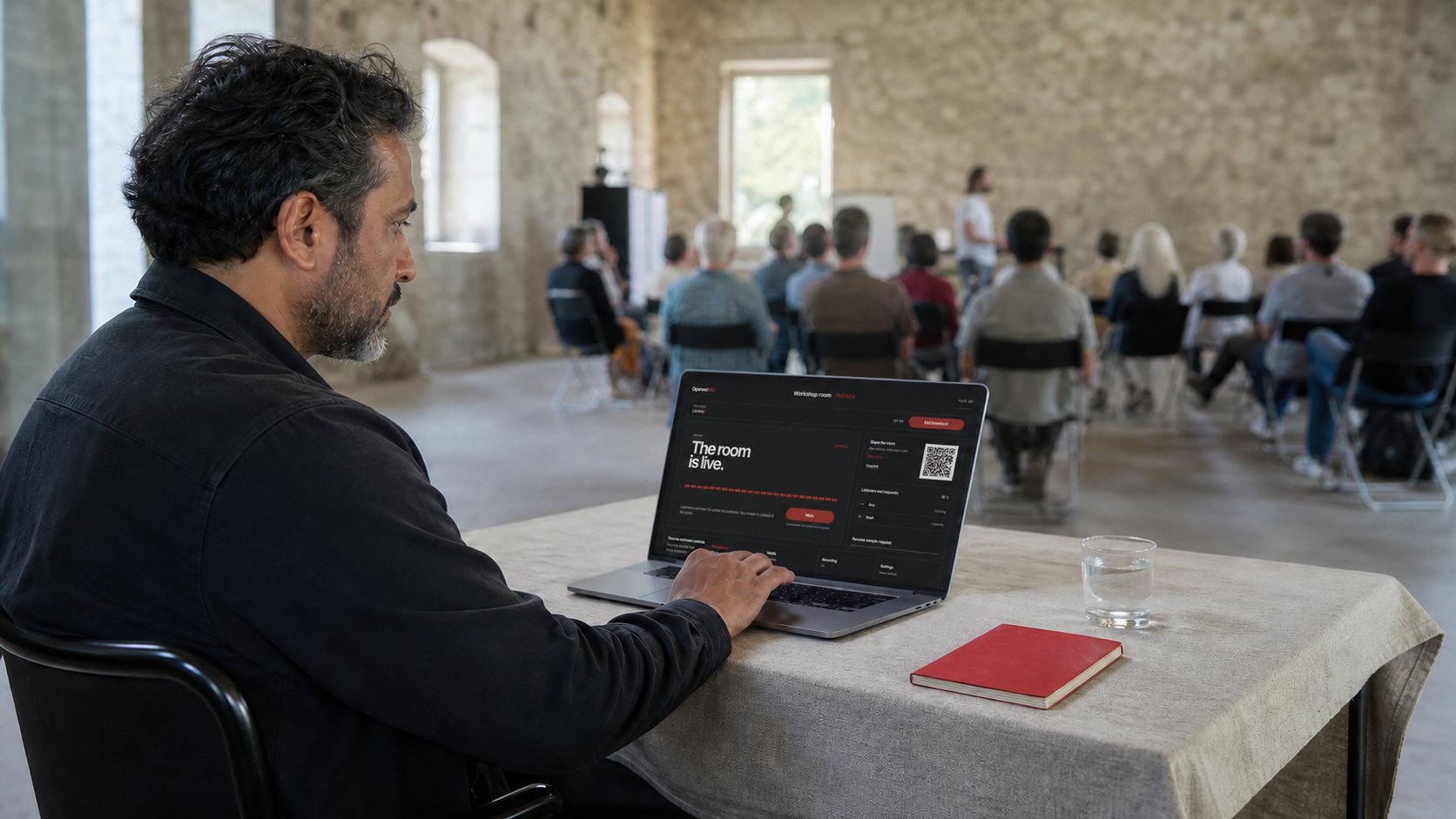
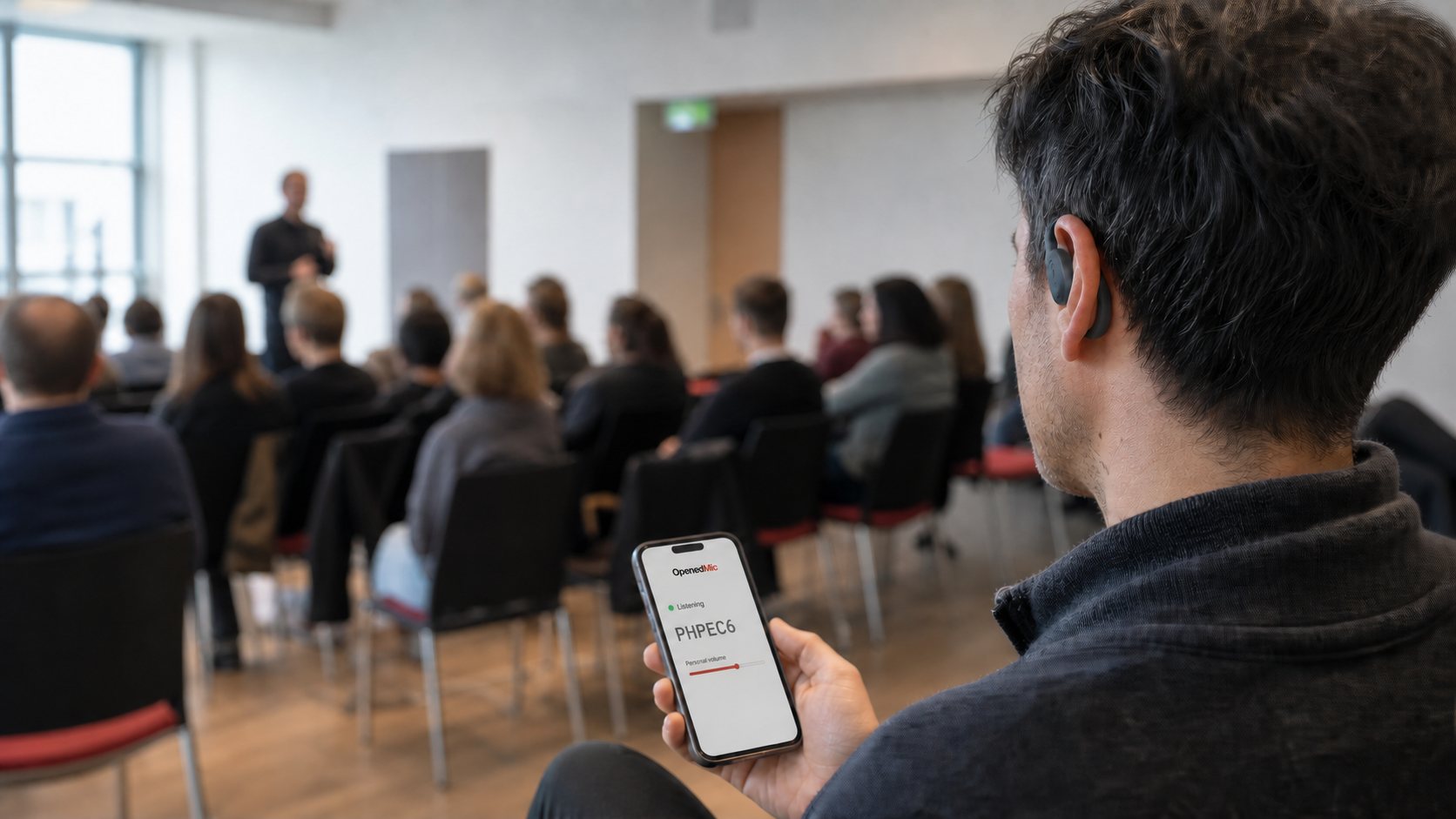
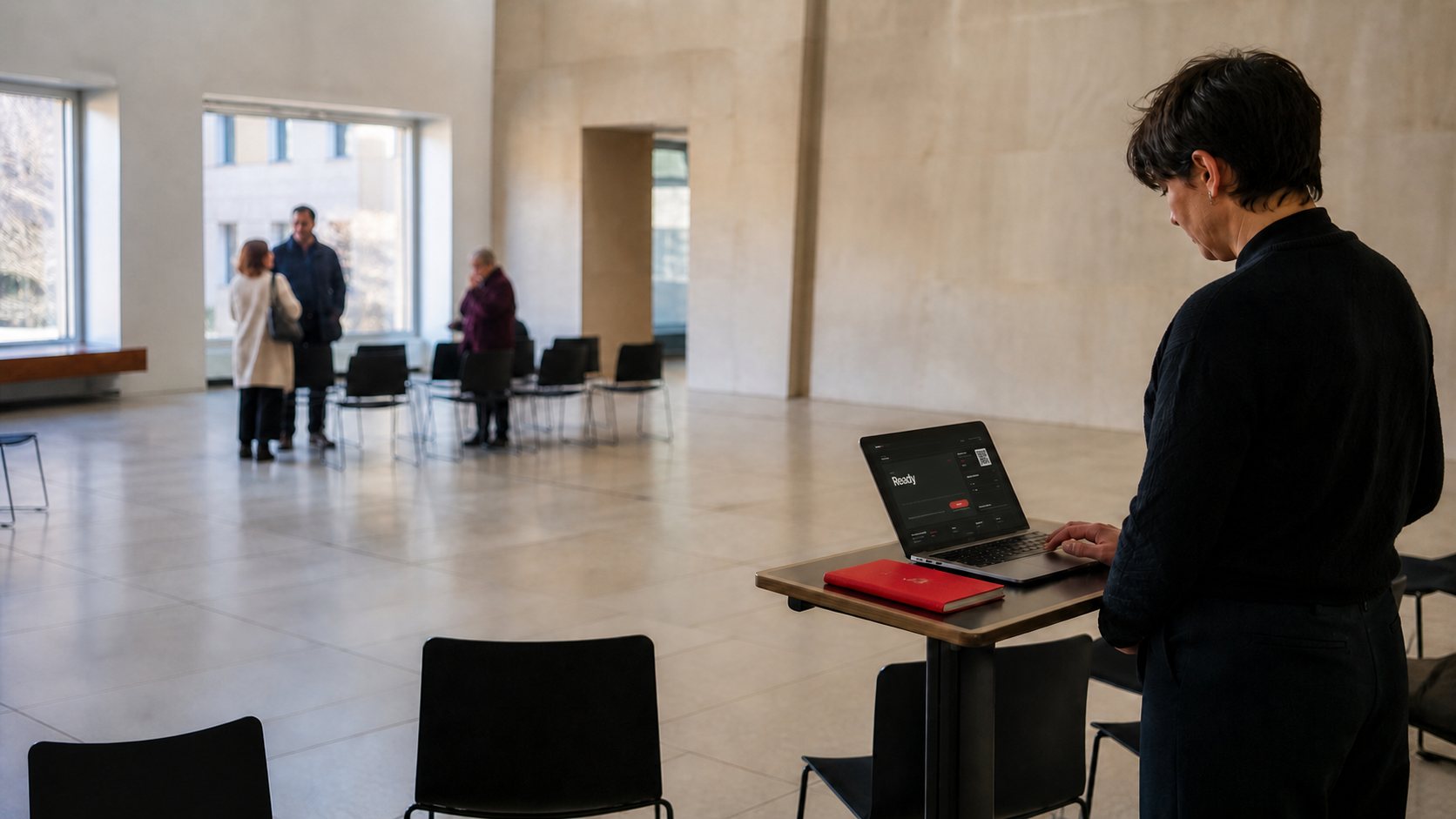
OpenedMic gives a group one live audio room in the browser. A host opens the room and shares a QR code, link, or room code. Listeners join from their own devices with no app and no account. They start muted. When needed, the host can approve one listener to speak through Guest Mic and end it at any time.
Use Cases
Live audio for the room you are already in.
From classes and tours to ceremonies and live sessions, OpenedMic gives hosts a quick way to share browser-based audio. When the moment calls for it, screen sharing, camera, and media can stay in the same session. Listeners do not need to install anything.
🎓
Live Classes
Clear live classroom audio - students join from their phones with no app, no login, and minimal setup.
Built for teachers, lecturers, workshops, and training sessions. The host broadcasts from the browser and can use screen sharing or a presenter camera when needed. Participants join from their phones through a link or QR code.
Join by link or QR|No app or account required|Screen share or presenter camera when relevant|Private room support for controlled sessions|Local recording when documentation is needed
🚶
Guided Tours
Wireless tour audio for museums, city tours, factories, and group walkthroughs - no dedicated receivers required.
Built for guides who need a lightweight way to speak to a moving group while participants listen on their own phones. OpenedMic™ helps guides launch quickly, keep access simple, and use media playback when it adds value to the route.
Fast join by link or QR|Phone-based listening for moving groups|No dedicated receiver distribution|Optional media playback when relevant|Lightweight setup for indoor or outdoor routes
🕌
Ceremonies & Events
Live event audio delivered through guests' browsers, with personal playback controls on each device.
A strong fit for weddings, memorials, worship, and intimate live events where clear sound matters. OpenedMic™ makes it easy to offer direct listening, and where relevant also support live media playback during the event flow.
Personal listening from guests' phones|Simple access by link or QR|Useful in spread or acoustically difficult spaces|Private room access when needed|Media playback support where appropriate
🎙
Talks, Panels & Q&A
Browser-based live audio for talks, panels, community sessions, and audience Q&A.
Great for moderated discussions, speaker sessions, and live audience interaction. OpenedMic™ gives hosts a fast way to launch a room, and where relevant also support camera, screen share, or media inside the live session flow.
Fast room launch|Easy audience join by link or QR|Camera or screen share when relevant|Private or controlled access when needed|Local recording for later reference
🔊
Group Audio Everywhere
Phone-based group audio for flexible spaces, shared listening, and multi-speaker environments.
Useful when you need to distribute clear audio quickly without building a heavy traditional setup. OpenedMic™ works well for shared listening, temporary spaces, side rooms, and other flexible live scenarios.
Fast shared listening from phones|Link or QR access|Useful in side rooms or temporary setups|Media playback when relevant|Private room options when needed
Capabilities
Everything in the Browser
Everything you need to run a live room - right in the browser, no install.
🎙
Live Audio in the Browser
Open a room and broadcast live from your browser. Listeners join from their phones through a link, QR code, or room code.
WebRTC · Opus 128k
🖥
Screen Share & Presenter Camera
When the session needs more than audio, support screen sharing and presenter camera inside the same live flow.
video · PiP composite
🎵
Media Playback
Use media inside the session when relevant, including local file playback and browser-based media flow.
file · tab audio · auto-duck
⚡
Fast Join, No App
Listeners join by link or QR, directly from their browser, with no app download and no account barrier.
link · QR · instant
🔒
Private Rooms & Control
Use private access and host-side control when the session needs a more contained or protected experience.
password · kick · block
⏺
Local Recording
Record locally when documentation or later review matters, without turning the session into a heavy workflow.
WebM · local only
🙋
Approved Guest Mic
Give one listener permission to speak, then take control back at any time. Audio only, with no app or account.
request · approve · revoke
No registration - no email, no password
No account - no personal data required
No ads
HTTPS + Cloudflare - encrypted in transit
How It Works
3 Steps. That's All.
No download. No account. Just a link.
🌐
1
Open openedmic.com/app
Choose a broadcast mode - Lecture, Tour, Ceremony, MultiZone and more.
📱
2
Share a QR or Link
The audience scans the QR code or opens the link in a supported browser. No account is needed.
🎙
3
Press MIC ON
You're live. Your audience hears clear, processed audio in real time.
CONTROLLED PARTICIPATION
Broadcast first. Interaction when you allow it.
OpenedMic keeps the room simple: listeners enter by link, QR code, or room code and stay muted by default. When the moment is right, the broadcaster can approve one listener to speak, then close the guest mic at any time.
✓Listeners stay muted by default
✓A guest can speak only after approval
✓The broadcaster can close the guest mic at any time
Intended for users aged 18 and over. OpenedMic provides the technical platform only; responsibility for participation rests with the relevant users and listeners. See the Terms of Service for details.
Trademark notice.OpenedMic™ is an independent product. Bluetooth® is a registered trademark of Bluetooth SIG, Inc. JBL®, Sony®, Bose® are registered trademarks of their respective owners. Use of these names is for compatibility reference only and does not imply affiliation or endorsement.